The Bloat Wall: Plugin Weight Is a Business Problem

redxtrm
Full-stack developer and business consultant specializing in Next.js, React, and e-commerce solutions.
Performance problems rarely arrive as one obvious mistake.
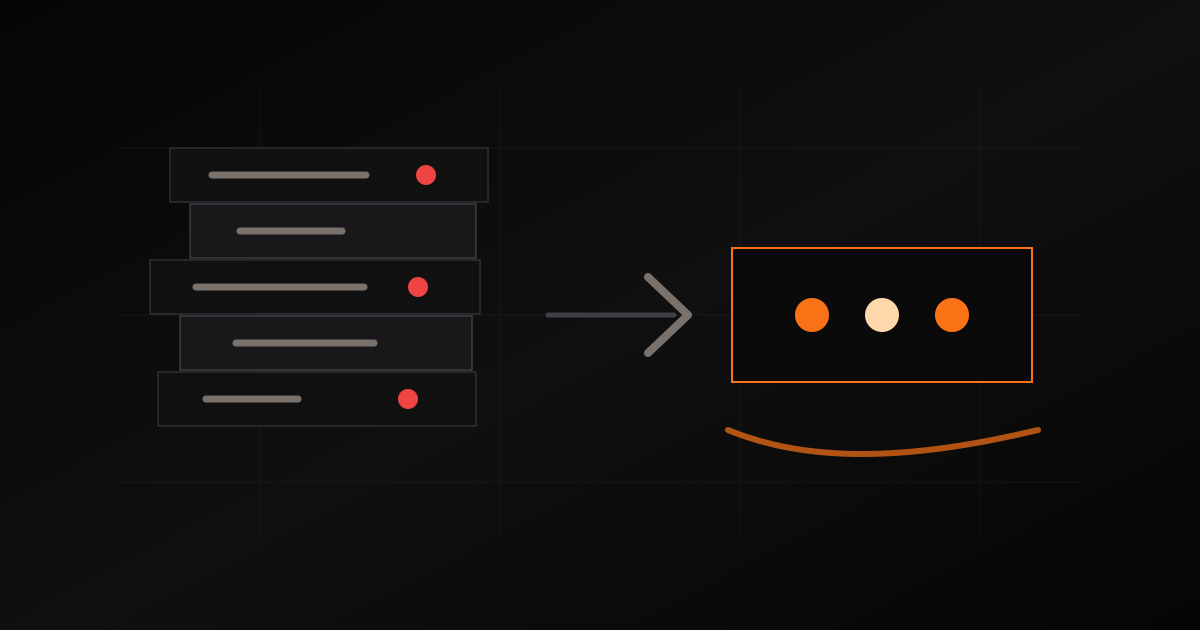
They arrive as a stack.
A theme adds a layout system. A builder adds animation code. A product plugin adds scripts to every page. A review plugin loads even where reviews do not appear. A popup tool waits for a campaign you are not running. A tracking script gets installed during a marketing test and stays forever.
Each piece may be reasonable alone. Together, they create the bloat wall.
Why Bloat Is Not Just Technical
Slow pages hurt conversion, but bloat also hurts the team.
Admin screens get harder to understand. Updates become more fragile. Debugging takes longer because any feature could be coming from the theme, a plugin, a snippet, or a hidden setting. The business starts paying for complexity it did not ask for.
For custom-product commerce, this matters because the real workflow is already complex. Pricing, artwork, quotes, invoices, production status, roles, and files are enough. The platform should not add accidental complexity on top.
The Common Trap
The trap is solving every problem by adding one more plugin.
Need a form? Add a form plugin. Need invoices? Add an invoice plugin. Need wholesale? Add a wholesale plugin. Need performance? Add a performance plugin to offset the weight of the earlier plugins.
At some point, the stack is not a store anymore. It is an argument between plugins.
That is when speed work becomes expensive. You are not optimizing a clean system. You are negotiating with code you did not write and cannot fully remove.
The Custom-System Difference
A custom build can start with the opposite assumption: ship only what the workflow needs.
If the page is a product page, load product data. If the buyer is a wholesale buyer, load wholesale controls. If the dashboard needs thumbnails, do not load full production files. If a feature is admin-only, keep it out of the public bundle.
Modern app architecture helps here. Server-render the parts that do not need client JavaScript. Split interactive islands. Optimize images at the right size. Keep analytics consent-aware. Measure page weight before it becomes invisible debt.
The point is not minimalism for its own sake. The point is fit.
What I Check First
When a store feels slow or fragile, I look for:
- Scripts loading on pages that do not use them.
- Large theme CSS shipped everywhere.
- Duplicate analytics or tag-manager snippets.
- Image galleries serving originals instead of responsive sizes.
- Admin plugins affecting public pages.
- Checkout code tied to too many unrelated extensions.
- Database tables and options left behind by removed plugins.
Sometimes the fix is cleanup. Sometimes the honest answer is rebuild the critical workflow in a leaner system.
The Practical Rule
Every feature should earn its place in the runtime.
That does not mean every site needs to be custom from day one. It means the architecture should not make unused work permanent. If the business has outgrown the plugin stack, performance is not a cosmetic issue. It is a signal that the system no longer matches the operation.
That is how you get past the bloat wall: remove accidental weight and build around the workflow that actually makes money.
Tags