The Lock-In Wall: Exporting Products Is Not Data Ownership

redxtrm
Full-stack developer and business consultant specializing in Next.js, React, and e-commerce solutions.
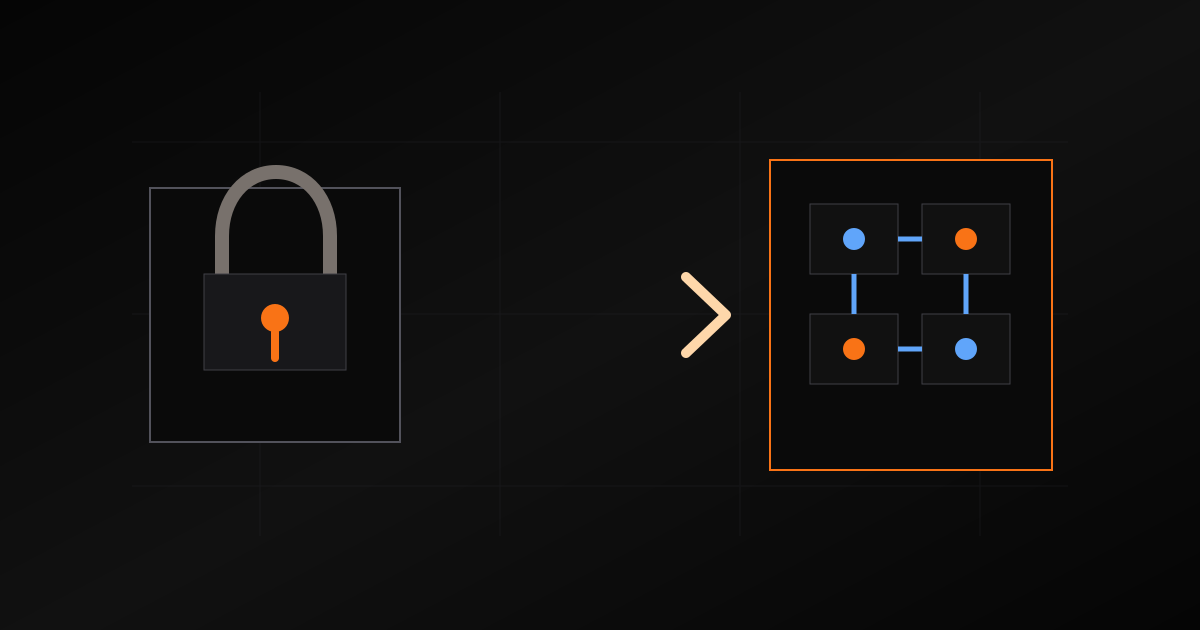
Platform lock-in is easy to underestimate because most platforms can export something.
Products. Customers. Orders. A CSV. Maybe images if you work for it.
That sounds like ownership until the business has real workflow history. Then you learn that leaving a platform is not the same as exporting products. It is preserving the business context that grew around those products.
That is the lock-in wall.
What Usually Gets Missed
A mature commerce system contains more than product rows. It contains decisions.
The URL structure that search engines know. The media library that staff uses. Customer accounts and their roles. Wholesale eligibility. Quotes that did not become orders yet. Order notes. Production files. Invoice history. Blog posts. Redirects. Tracking scripts. Email templates. Payment references. SEO metadata. Internal admin habits.
When those pieces live in a platform-specific shape, migration becomes reconstruction.
The hard question is not "can I export a CSV?" The hard question is "can I rebuild the business without losing the context that makes the data useful?"
The Hidden Cost
Lock-in does not always feel bad on day one. In fact, it often feels convenient. The platform gives you a dashboard, a media library, a theme editor, an app store, and a checkout. That convenience is useful.
The cost appears when the business outgrows the shape.
You want a different quote flow. You want custom roles. You want supplier dashboards. You want to route files differently. You want AI agents to operate on your order data. You want to move storage. You want a faster frontend. Suddenly every feature asks the same question: how much of this system do we actually own?
The Custom-System Difference
Ownership is not a slogan. It is an implementation detail.
In a custom system, the database schema is explicit. File locations are known. URLs are part of the app, not hidden in a theme. APIs can be built around the business model. Backups can be inspected. Migrations can be scripted. Integrations can read the same source of truth.
That does not mean every piece must be self-hosted. It means the business logic and data model remain portable even when vendors change.
What Portability Looks Like
A portable commerce system has practical traits:
- Clear schema for products, orders, customers, roles, and quotes.
- Stable IDs that can survive frontend rebuilds.
- File storage with known ownership and access rules.
- Export paths for key entities.
- Redirect plans for old URLs.
- Metadata stored with content, not trapped in templates.
- APIs that expose the workflow to future tools.
This is not theoretical architecture. It is what lets a business evolve without starting over.
The Practical Rule
Do not ask only "can we launch fast?"
Ask "can we leave cleanly later?"
Sometimes the right answer is still a platform. For a simple store, the tradeoff may be worth it. But if the site is becoming the operating layer of the business, portability should be designed from the beginning.
That is how you get past the lock-in wall: by making ownership visible in the schema, files, URLs, and APIs before you need an escape route.
Tags